

Gen-AI 3D Modeling Workflow
The Challenge:
Every time our team faced intricate assets—a weathered stone sculpture, a biomechanical creature, or Baroque-era decor—we hit the same wall: countless hours lost to blocking, retopology, and repetitive shaping. Artists burned creative energy on technical foundations instead of storytelling details.
Every time our team faced intricate assets—a weathered stone sculpture, a biomechanical creature, or Baroque-era decor—we hit the same wall: countless hours lost to blocking, retopology, and repetitive shaping. Artists burned creative energy on technical foundations instead of storytelling details.
The Spark
I wondered: "What if Gen-AI handled the tedious draft work?" I prototyped a workflow where:
1. AI became our digital clay: Fed reference images into mesh-generating tools, spitting out rough 3D forms in minutes.
2. Artists became editors: They took these AI "sketches," refined anatomy, enhanced surface detail, and injected personality.
I wondered: "What if Gen-AI handled the tedious draft work?" I prototyped a workflow where:
1. AI became our digital clay: Fed reference images into mesh-generating tools, spitting out rough 3D forms in minutes.
2. Artists became editors: They took these AI "sketches," refined anatomy, enhanced surface detail, and injected personality.
The result is 30% faster production and visibly energized artists:
"We spend days designing now, not blocking the base mesh. AI eats the boring parts."
Opportunity for the next step:
I plan to collaborate with our engineers to automate the workflow: "Feed Reference Images - AI Generate - Import in Zbrush/Maya" So artists don't need to manually do these step, they can directly open the mesh in Zbrush and start to make the edits.
I plan to collaborate with our engineers to automate the workflow: "Feed Reference Images - AI Generate - Import in Zbrush/Maya" So artists don't need to manually do these step, they can directly open the mesh in Zbrush and start to make the edits.

Challenge:
Traditional organic sculpting required 2.5 hours to block a detailed owl’s base mesh—a time-intensive process limiting iteration.
Solution:
Leveraged Gen-AI tools to generate production-ready base geometry in just 10 minutes using reference images.
Result:
15x faster base modeling (1500% speed increase), freeing artists to focus on high-value detailing:
Traditional organic sculpting required 2.5 hours to block a detailed owl’s base mesh—a time-intensive process limiting iteration.
Solution:
Leveraged Gen-AI tools to generate production-ready base geometry in just 10 minutes using reference images.
Result:
15x faster base modeling (1500% speed increase), freeing artists to focus on high-value detailing:
Before: Manual blocking consumed 150+ minutes
After: AI draft + artistic refinement = <30 minutes
After: AI draft + artistic refinement = <30 minutes


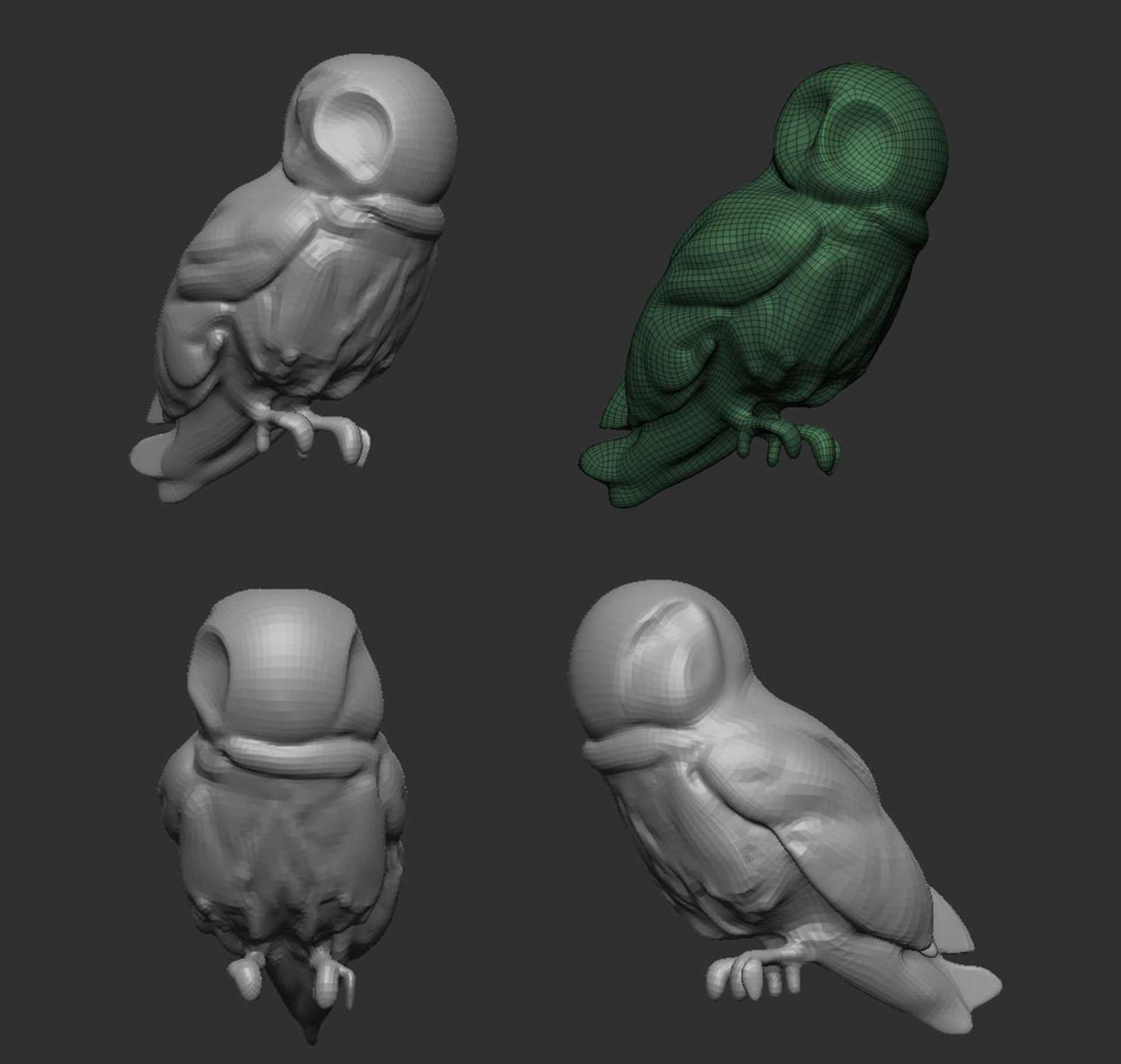
Generate Base Mesh with Gen-AI tool
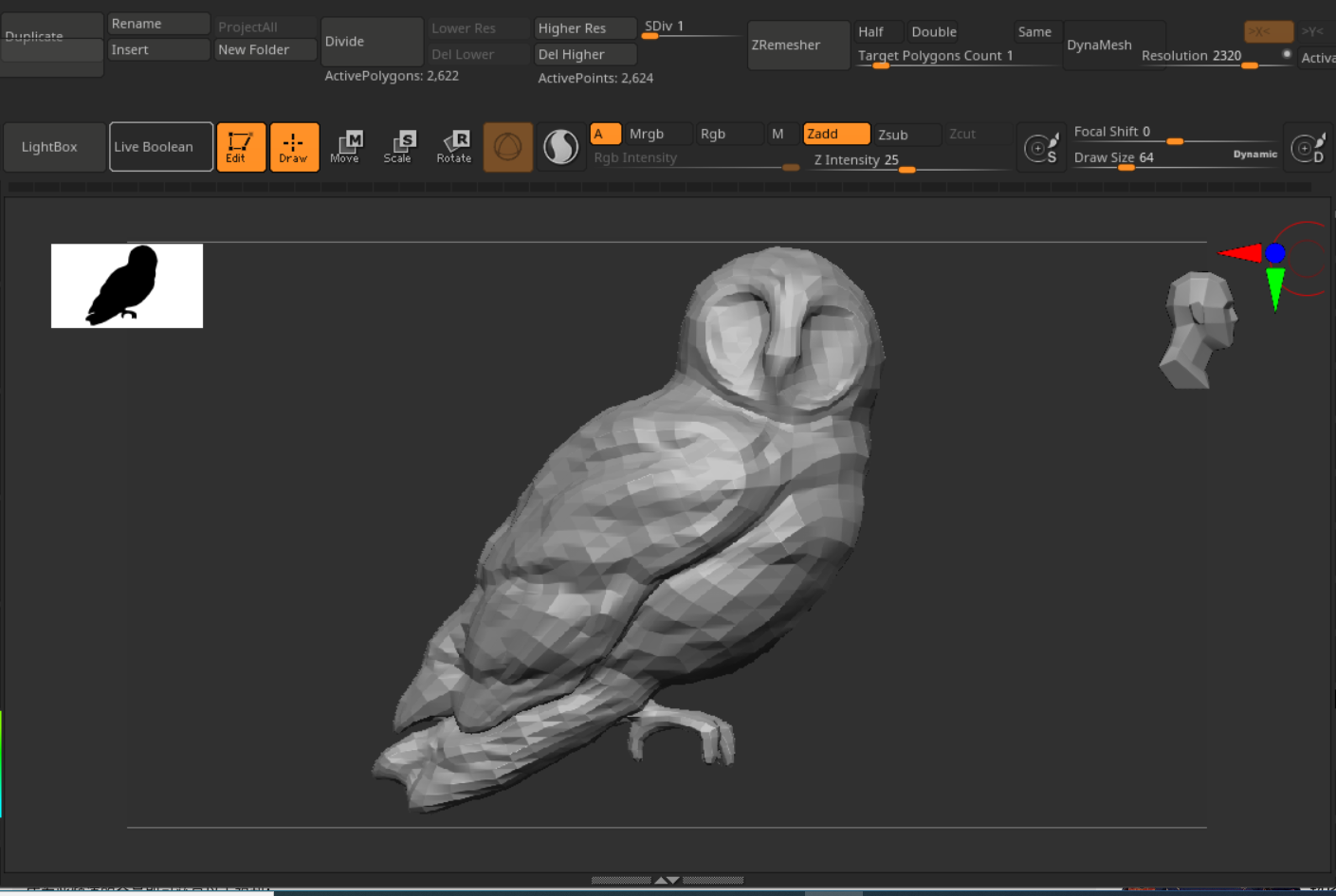
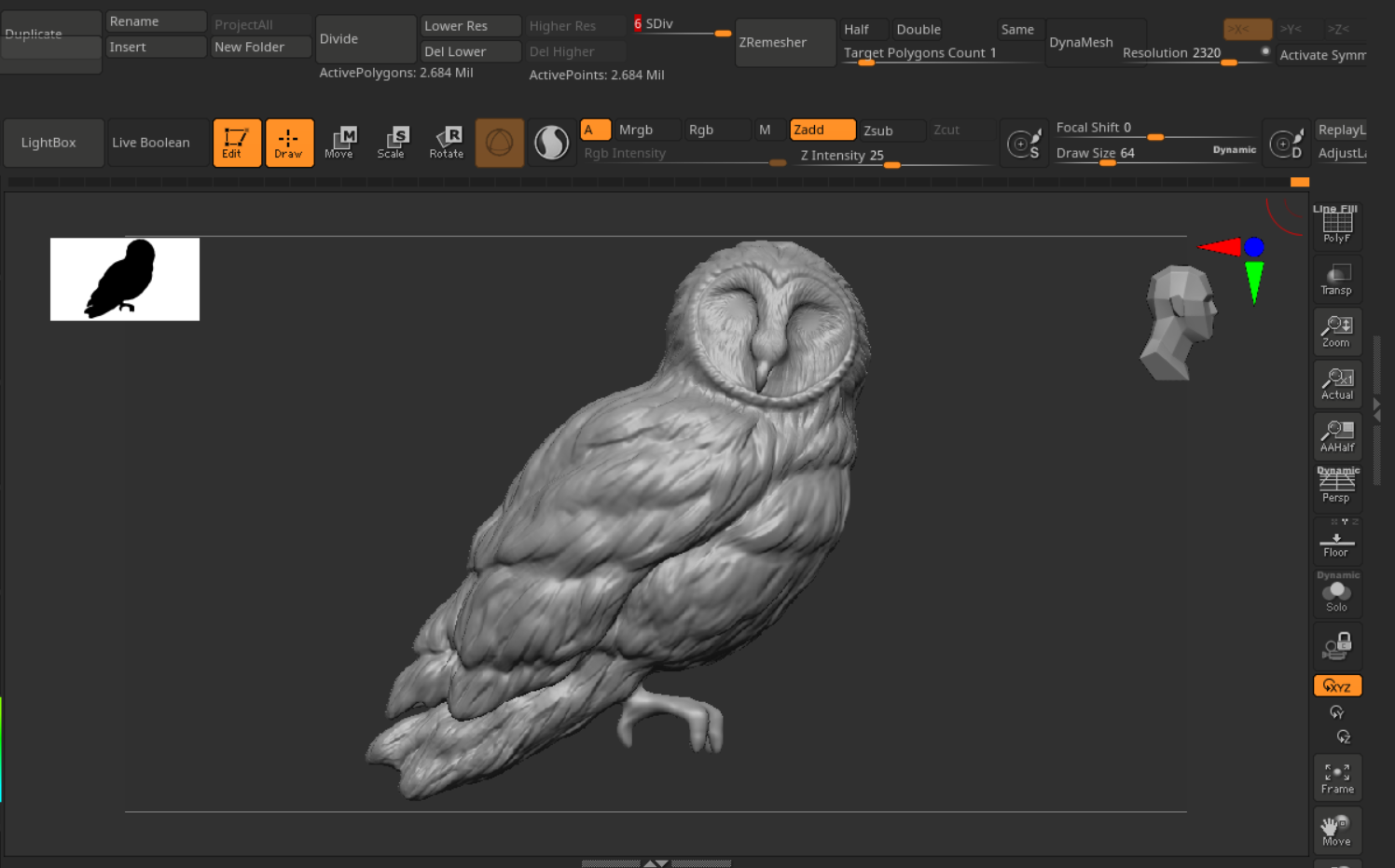

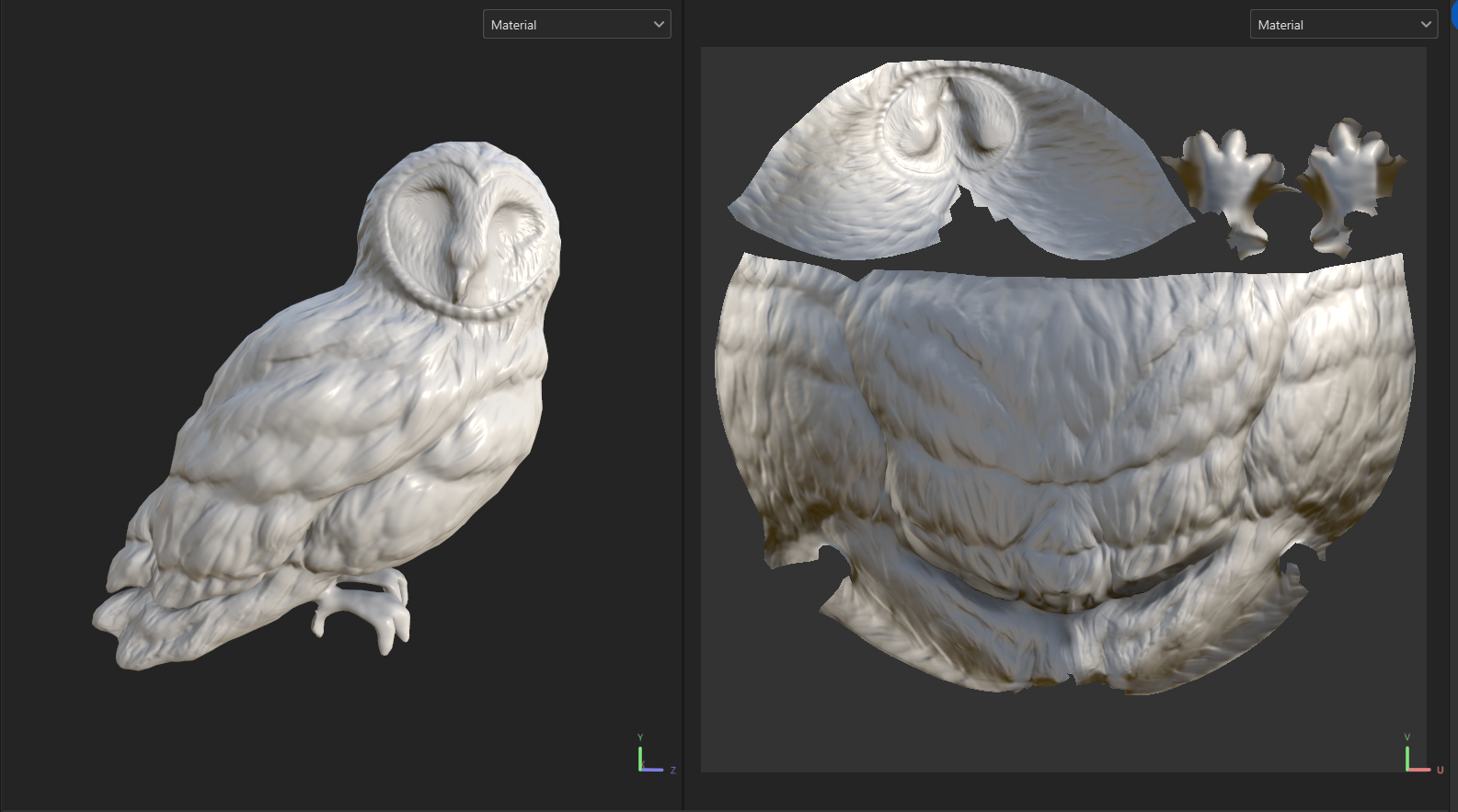
Bring the base mesh in ZBrush for clean up and adding details. Export lowpoly and highpoly mesh from Zbrush, then import them in Substance Painter for texturing.