Stable Diffusion
Depth Map to 3D Workflow
Depth Map to 3D Workflow
Overview:
This project explores an AI-assisted depth-map-to-3D workflow using Stable Diffusion to accelerate the creation of detailed 3D assets. The process converts standard 2D images into grayscale depth maps, which are then used as a foundation for 3D mesh generation and sculpting in ZBrush.
This project explores an AI-assisted depth-map-to-3D workflow using Stable Diffusion to accelerate the creation of detailed 3D assets. The process converts standard 2D images into grayscale depth maps, which are then used as a foundation for 3D mesh generation and sculpting in ZBrush.
The workflow leverages multiple Stable Diffusion models, along with ControlNet and LoRA configurations, to fine-tune depth accuracy and surface detail. Once generated, the depth map is imported into ZBrush, where it is extruded and refined into a usable 3D form. This approach is particularly effective for shallow-depth assets with intricate surface details, such as ornamental patterns and decorative elements.
Compared to traditional manual sculpting—especially for repetitive, high-detail designs—this AI-driven method significantly reduces production time by 70%. Instead of sculpting complex patterns from scratch, artists can quickly generate a structured 3D base from the depth map and focus their efforts on refinement, cleanup, and artistic polish.
Things need to install:
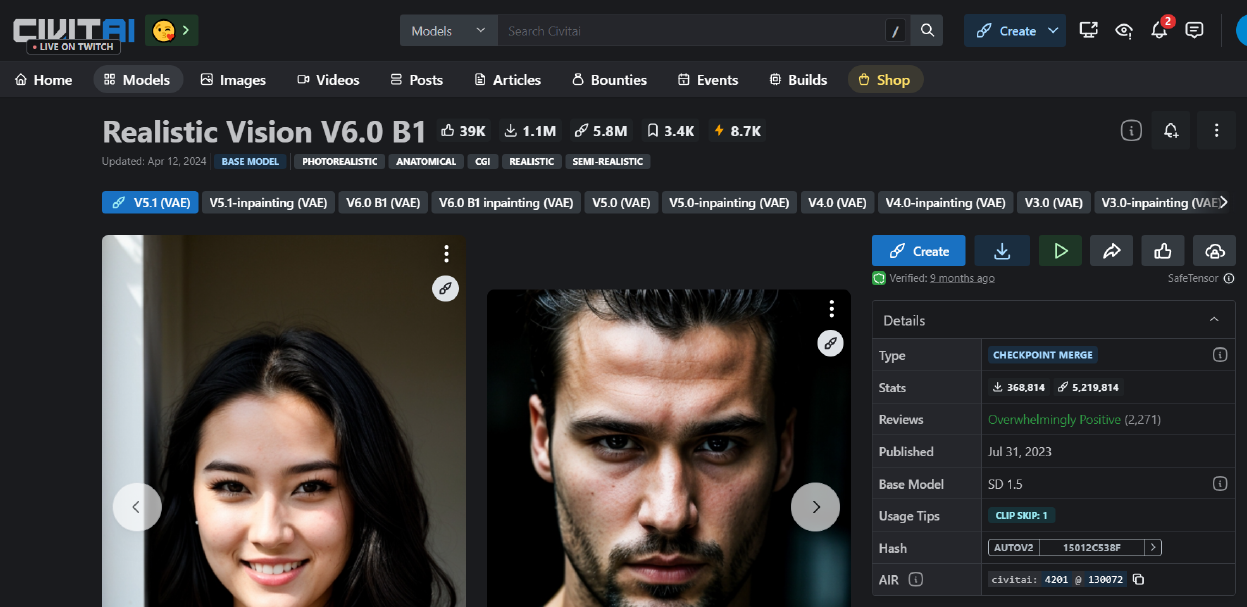
checkpoint “Realistic Vision V6.0 B1” from Civitai.com. https://civitai.com/models/4201/realistic-vision-v60-b1
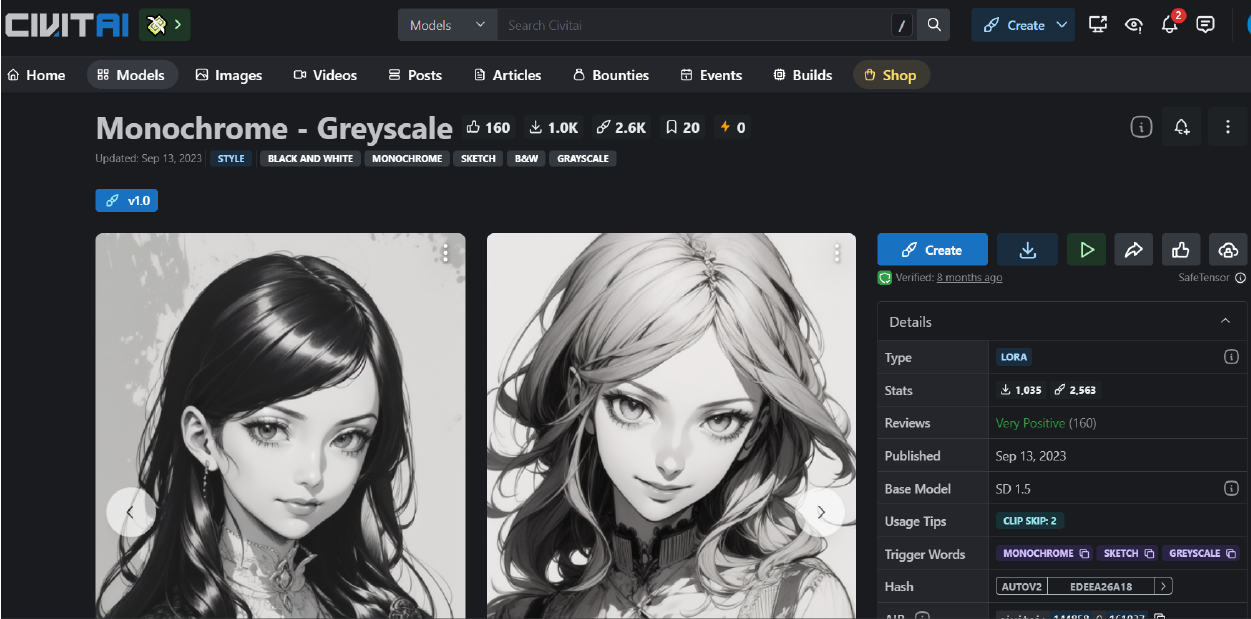
Lora “Monochorme - GreyScale” from Civitai.com. https://civitai.com/models/144858/monochrome-greyscale
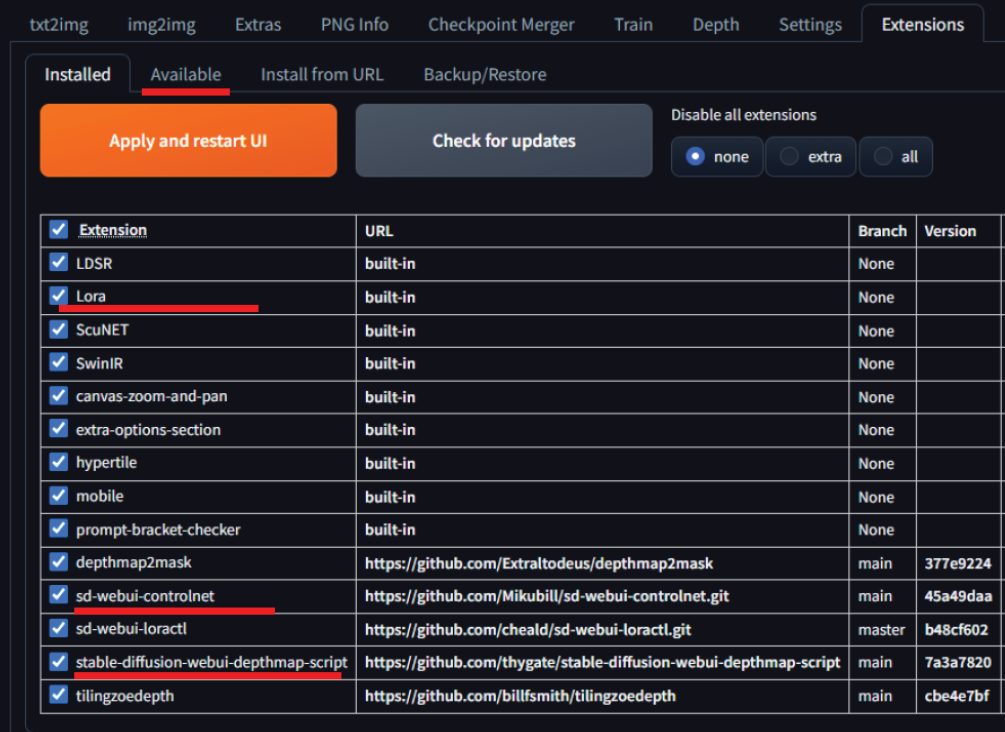
Extensions: sd-webui-controlnet, stable-diffusion-webui-depthmap-script, and Lora.
checkpoint “Realistic Vision V6.0 B1” from Civitai.com. https://civitai.com/models/4201/realistic-vision-v60-b1
Lora “Monochorme - GreyScale” from Civitai.com. https://civitai.com/models/144858/monochrome-greyscale
Extensions: sd-webui-controlnet, stable-diffusion-webui-depthmap-script, and Lora.
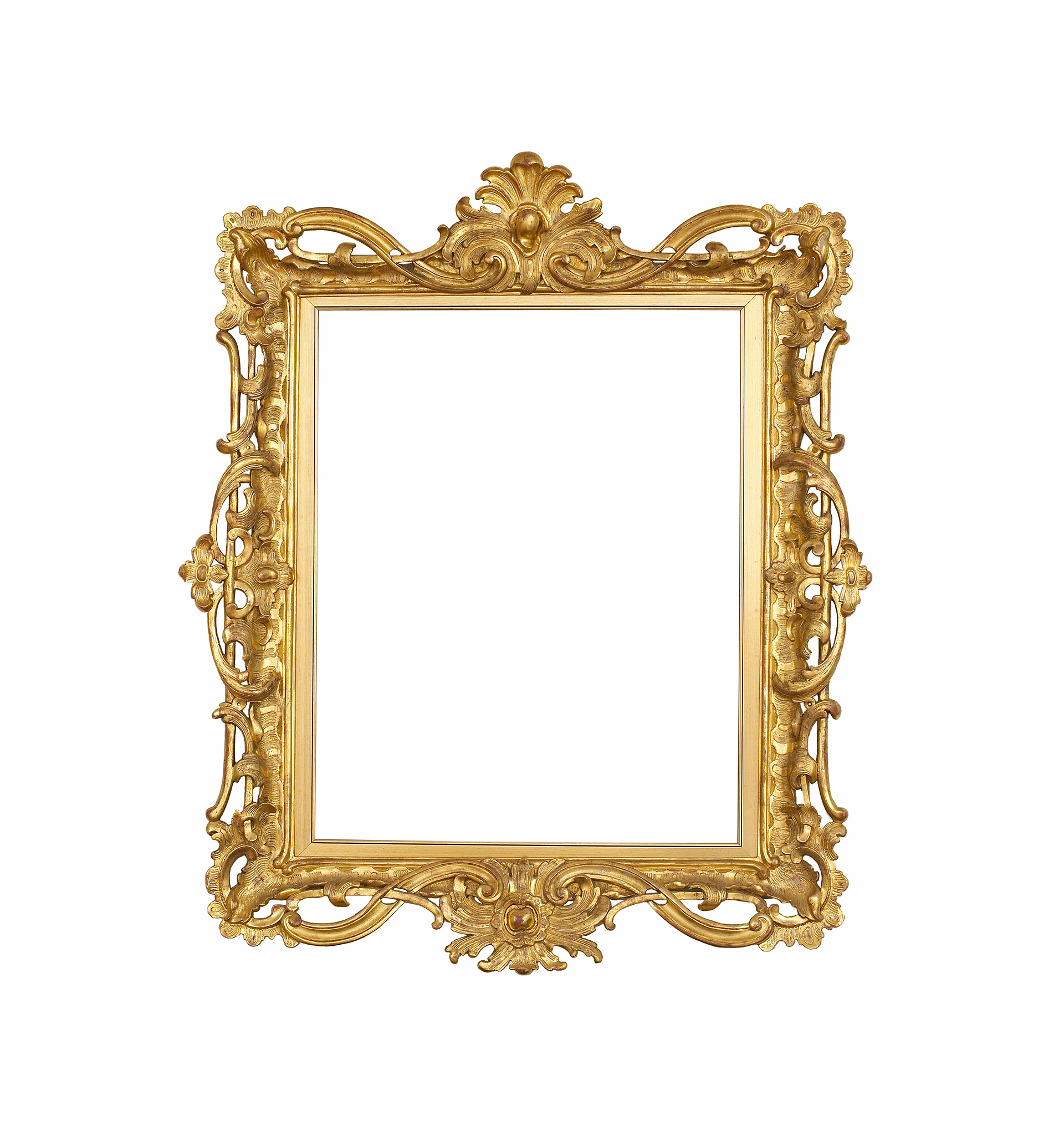
Original source image
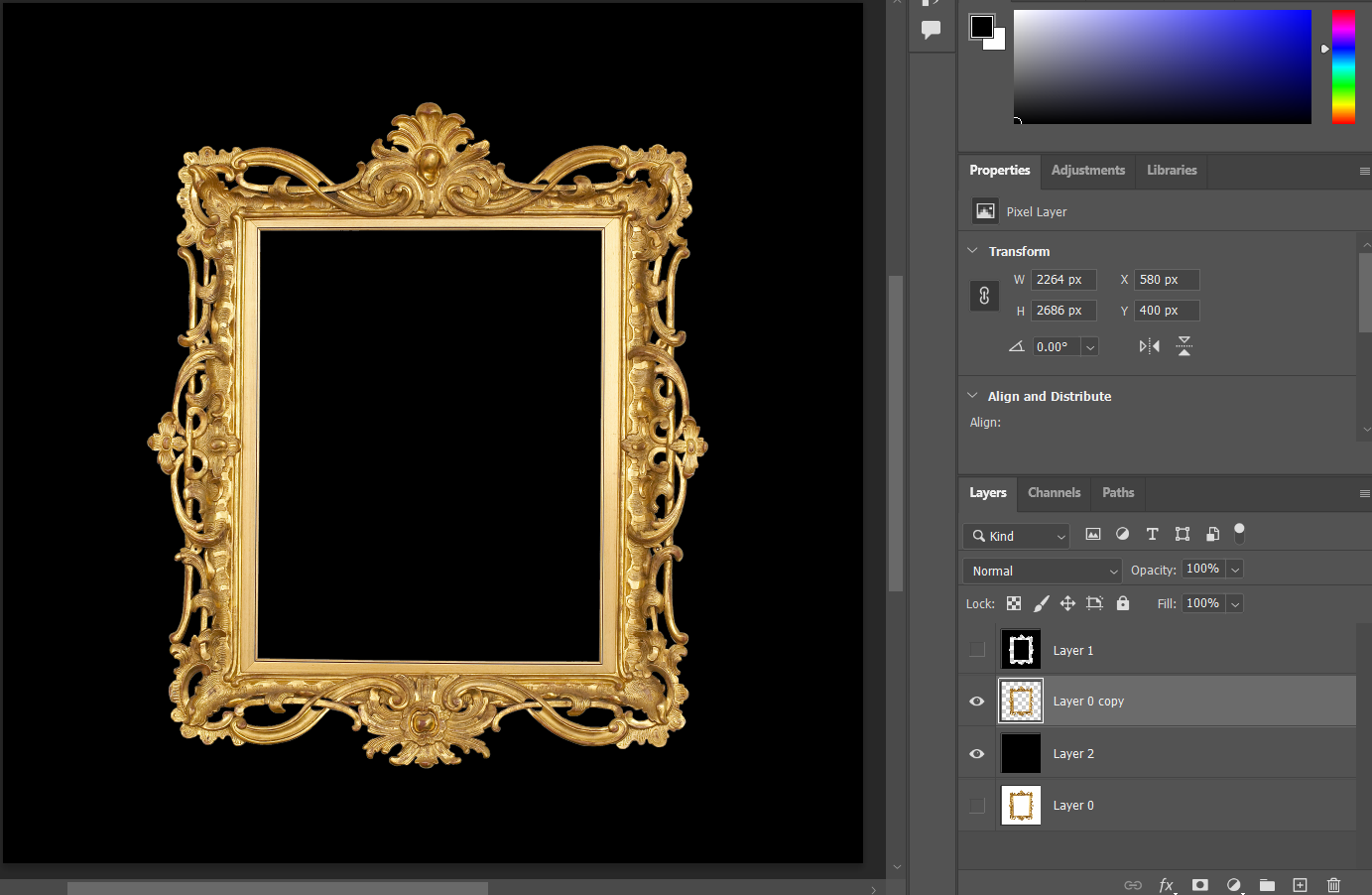
Clean up the source image before import in SD
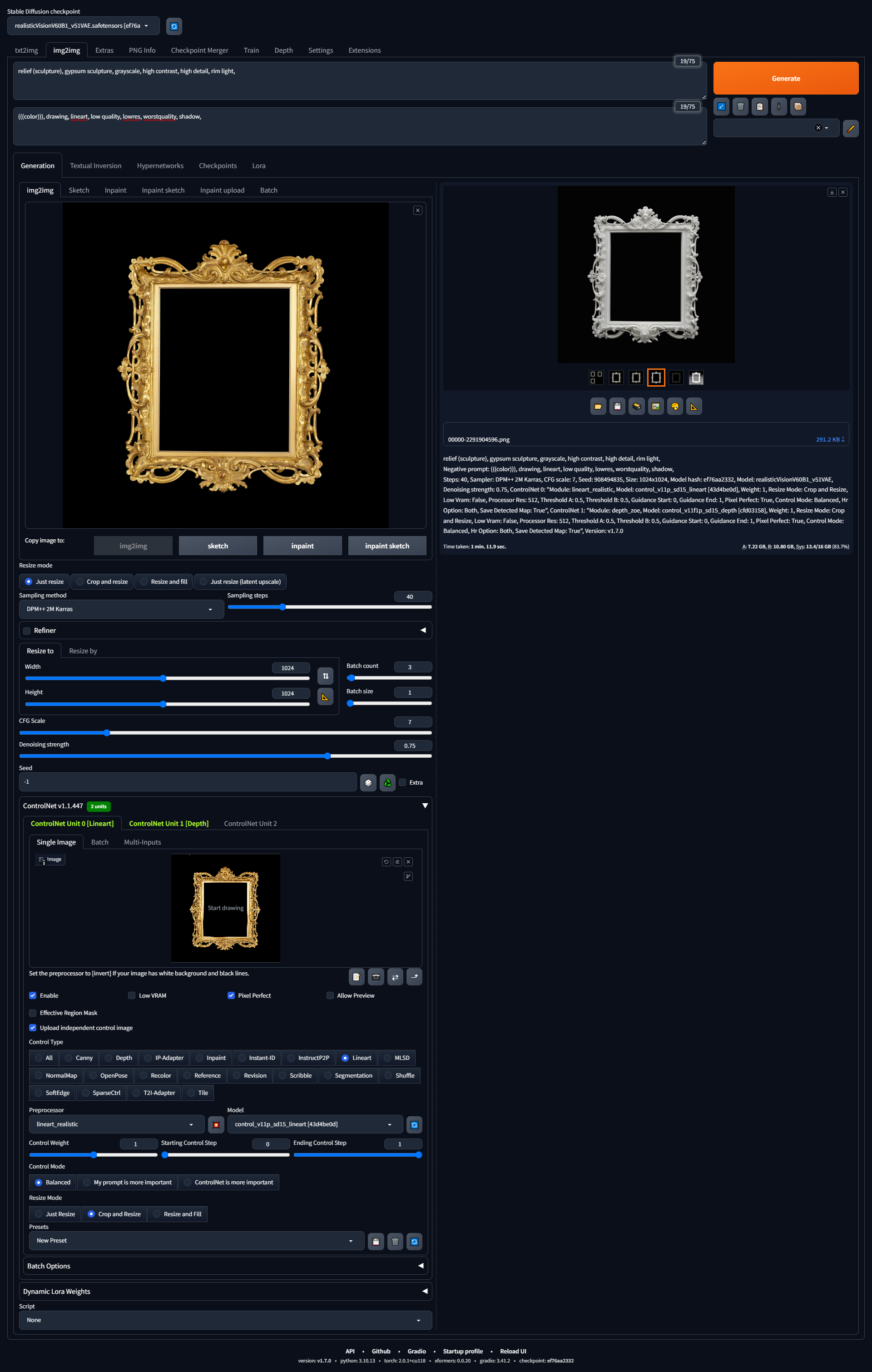
First Run: Generate monchrome depth map in SD
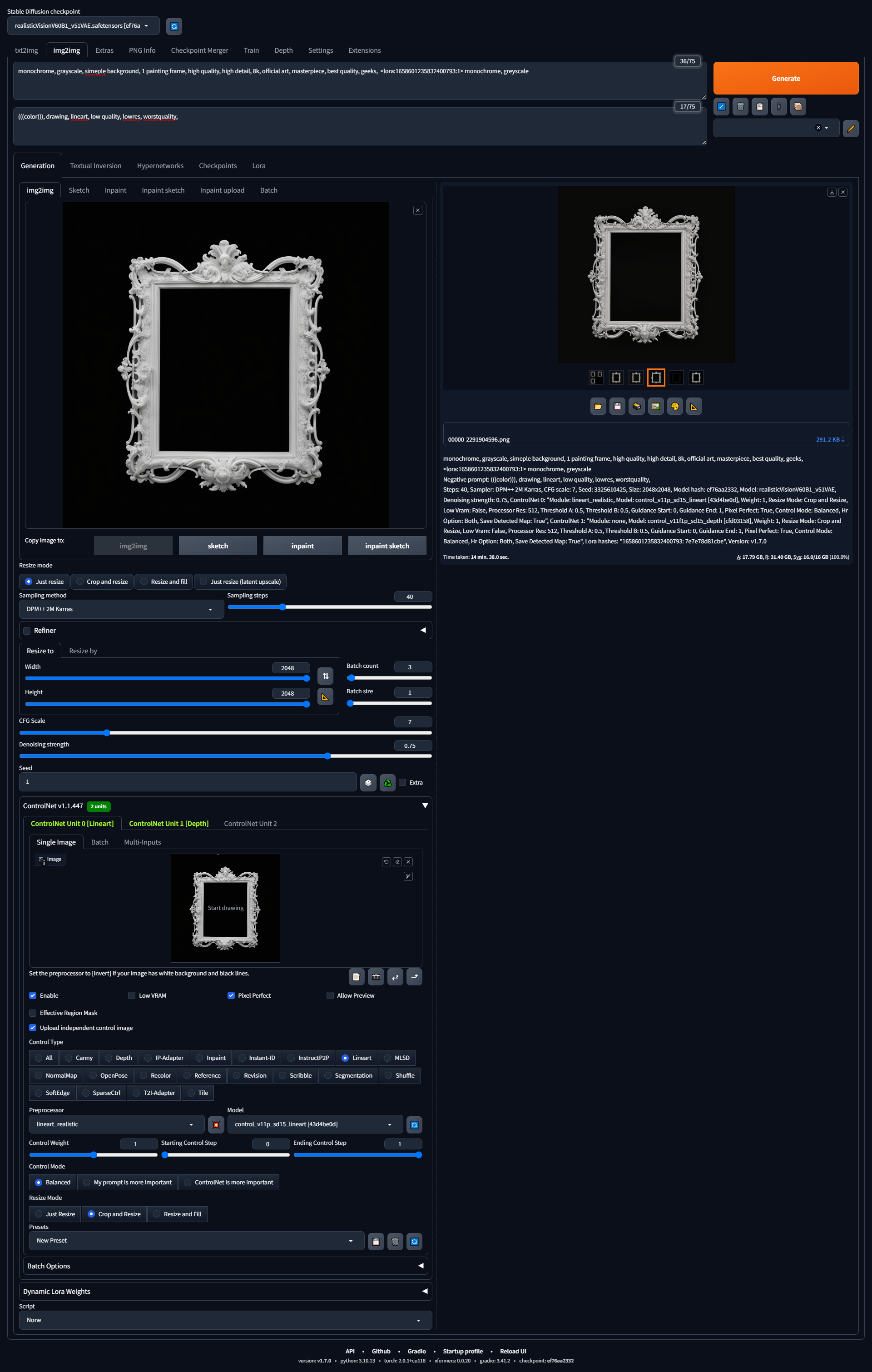
Second Run: Fine turn depth map with strong clean details
which is ideal read by ZBrush for 3D extrusion.
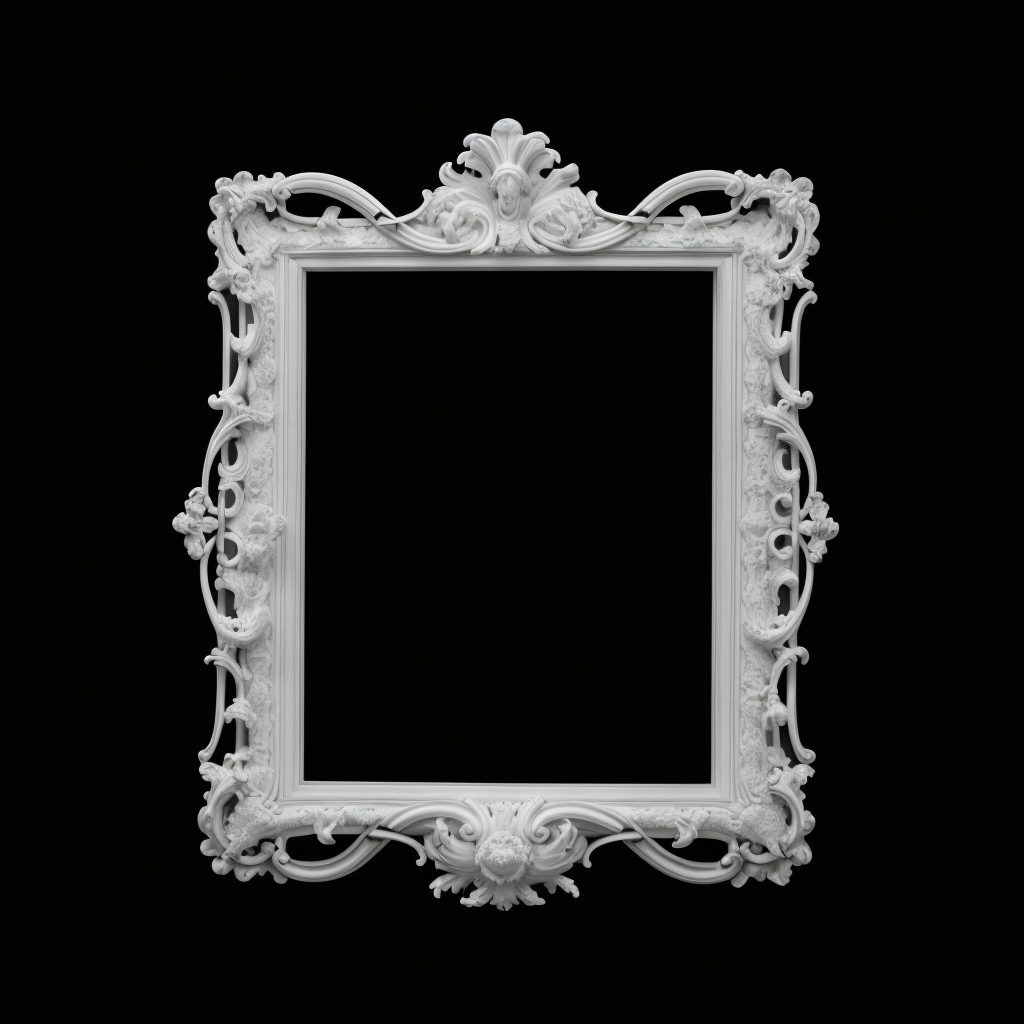
Result of first run

Result of second run
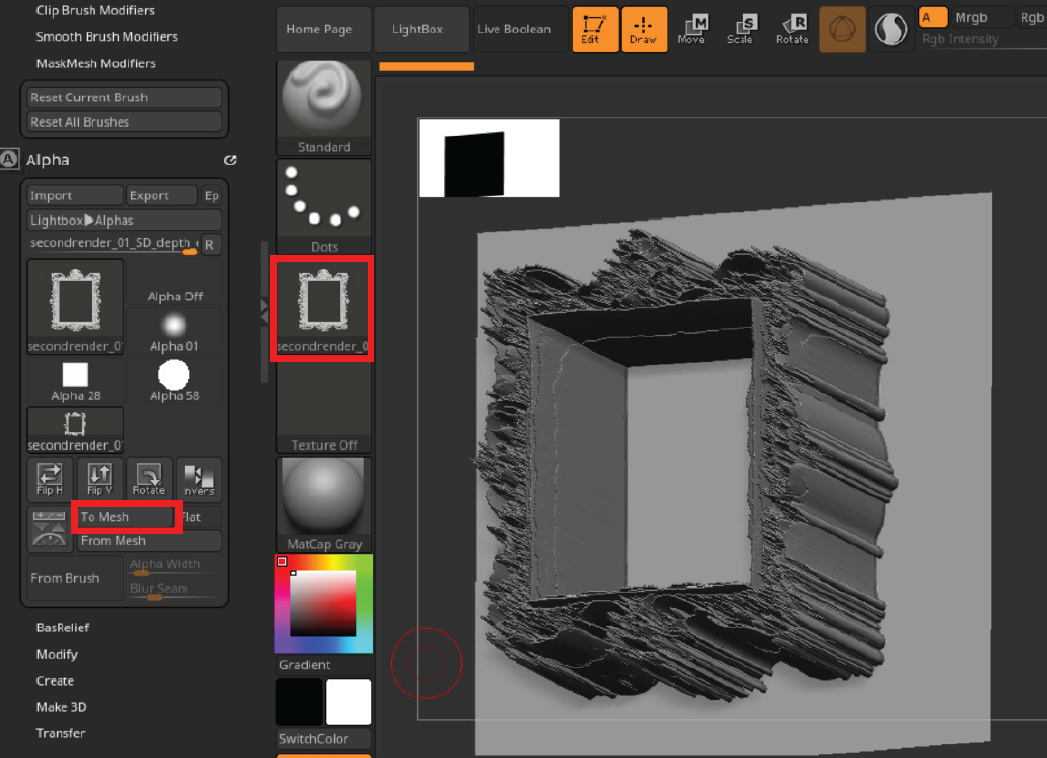
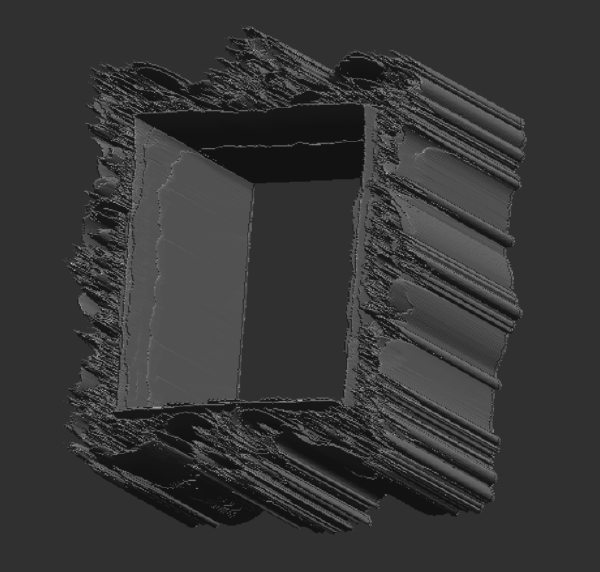

Import depth map in Zbrush and create 3D mesh base on the depth map.
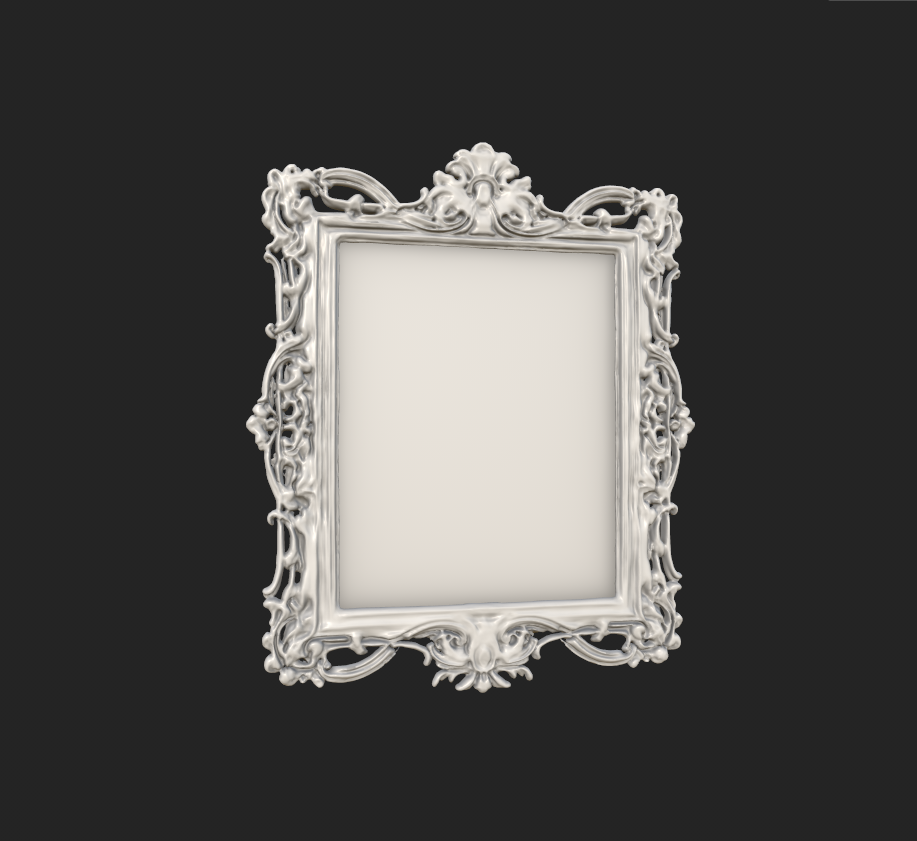
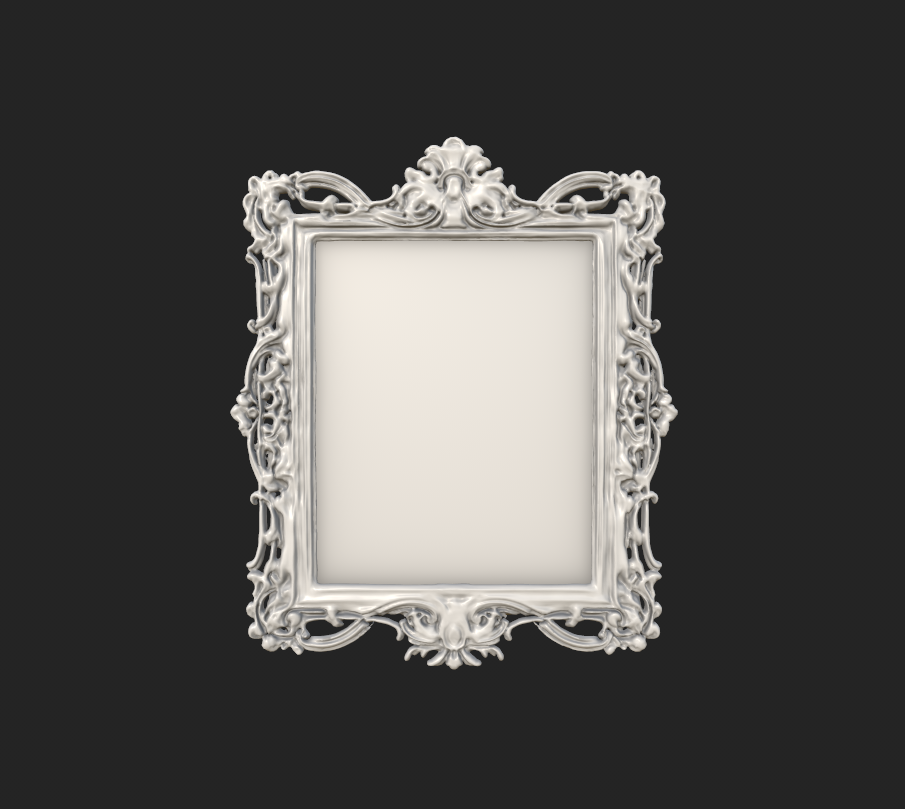


Apply material and add texture on the mesh.